How to format posts using Markdown
Both Lemmy and PieFed use markdown to format the content of posts (and comments). This means that you can use the same markdown syntax that is used on many different software platforms and broadly conforms to the CommonMark spec. Here are some examples of markdown that you can use on Lemmy/PieFed:
Headers
If you enter the following text:
# Header 1

## Header 2

### Header 3

#### Header 4

##### Header 5

###### Header 6
It will render as:
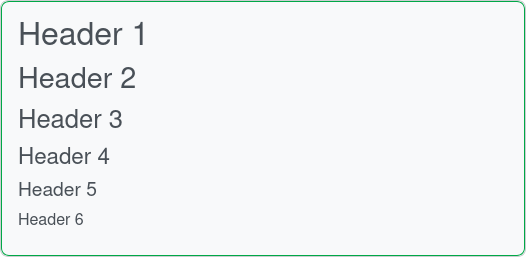
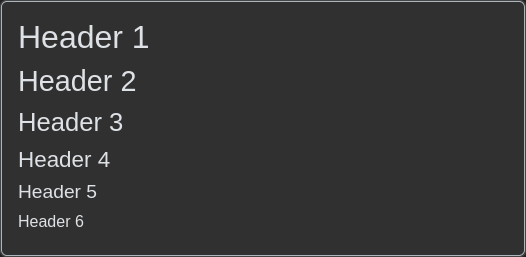
Markdown Headers
Emphasis
If you enter the following text:
_italic_
**bold**
**_bold italic_**
~~strikethrough~~
It will render as:
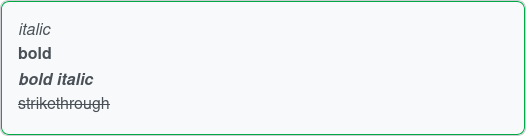
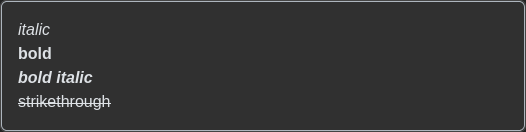
Markdown Emphasis
Lists
If you enter the following text:
- Unordered list item 1
- Unordered list item 2
  - Unordered list item 2.1
  - Unordered list item 2.2
- Unordered list item 3

1. Ordered list item 1
2. Ordered list item 2
3. Ordered list item 3
It will render as:
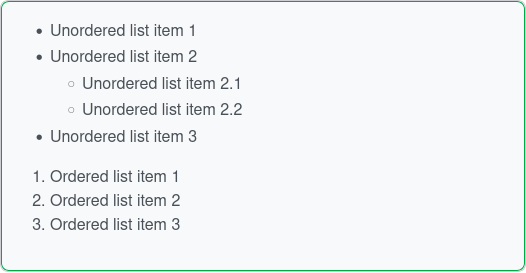
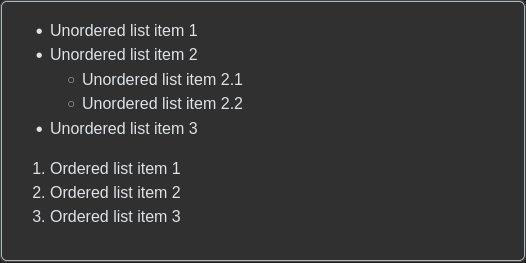
Markdown Lists
Links / Images
If you enter the following text:
[Link text](https://example.com)

It will render as:
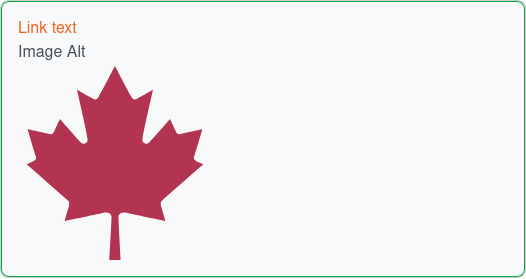
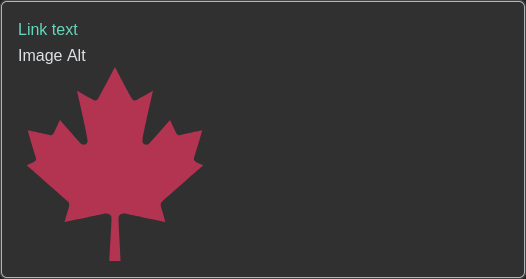
Markdown Links/Images
Blockquotes
If you enter the following text:
> Block
> -quote
It will render as:


Markdown Blockquotes
Code
If you enter the following text:
`inline code`

```python
def hello():
    print("Hello, World!")
```
It will render as:
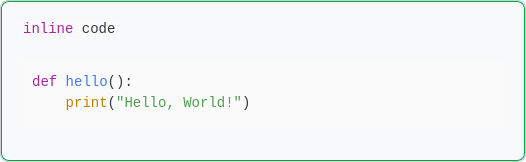
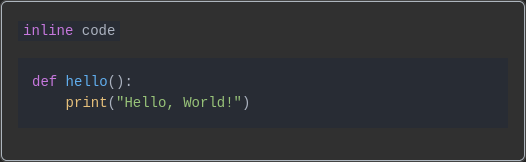
Markdown Inline/Blockcode
Tables
If you enter the following text:
| Header 1 | Header 2 | Header 3 |
| -------- | -------- | -------- |
| Row 1    | Row 1    | Row 1    |
| Row 2    | Row 2    | Row 2    |
| Row 3    | Row 3    | Row 3    |
It will render as:
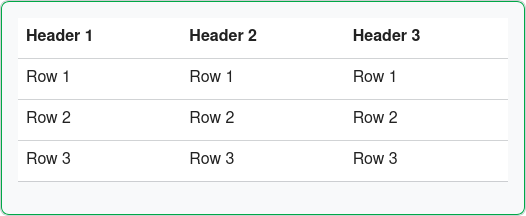
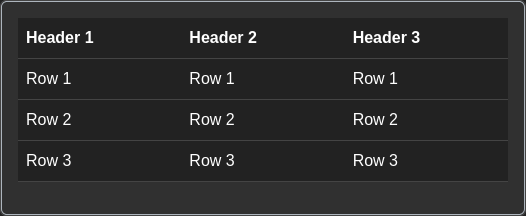
Markdown Tables
Horizontal Rule
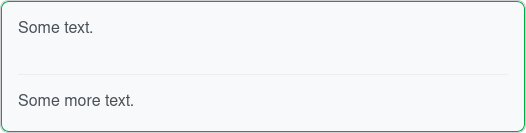
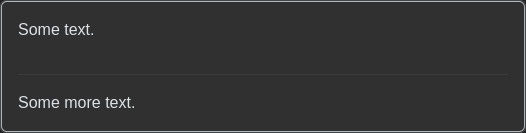
If you enter the following text:
Some text.

---

Some more text.
It will render as:
Markdown Horizontal Rule
Spoilers
If you enter the following text:
::: spoiler Spoiler Name
Spoiler Content
:::
It will render as:


Markdown Spoilers (closed)
The user can then toggle the spoiler to show the content:


Markdown Spoilers (open)
This is not supported by all apps
Some apps may not support this spoiler notation. In that case, the spoiler will be rendered as a regular block of text.
Inline Spoilers (PieFed Only)
In addition to the spoiler block above, PieFed also allows for inline spoilers without being set apart in a new block of text. This hides a piece of text until the mouse hovers over it (or is tapped on a mobile device).
If you enter the following text:
The treasure is || in the closet ||.

The key is >! in the desk !<.
It will render as:


Inline Spoilers (hidden)
If the mouse hovers over an inline spoiler, then it is displayed:


Displaying an inline spoiler by hovering over it
This is not supported by all apps
Like spoiler blocks, inline spoilers are not supported by all apps. Most significantly, inline spoilers are not supported by the default web interface of Lemmy. So, inline spoilers will just display as normal text to most users on Lemmy instances.
Sub/Superscript
If you enter the following text:
H~2~O

H^2^O
It will render as:


Markdown Spoilers (open)