Alternative UIs
Don't like how the website looks? There are a variety of different themes and interfaces that you can switch to. These "alternative UIs" are built by the community and give the platform a whole new look and feel!
Worried about your personal data?
Some providers go a step further and run the alternative UIs themselves. This way you only have to trust the provider you made an account with, and not the developers of each alternative UI.
For example, we run alternative UIs for lemmy.ca on pages such as photon.lemmy.ca, or old.lemmy.ca. You can check them out by using the links below.
💡 Check project maintenance status
Each UI below includes a "Last Commit" badge. If a project hasn't been updated in many months, it may be unmaintained. Unmaintained UIs may not work correctly with current Lemmy/Piefed versions, and may have unresolved security vulnerabilities.
💡 See the screenshots in both light and dark mode
You can toggle the site theme in order to see the screenshots in both light and dark mode. Flip the toggle in the top right area of this website.
Summary
Default UI (Lemmy)
This is what you will see by default when you access lemmy.ca or sh.itjust.works. This is the official UI built by the main developers of Lemmy, and so it is generally the most stable and reliable UI available.
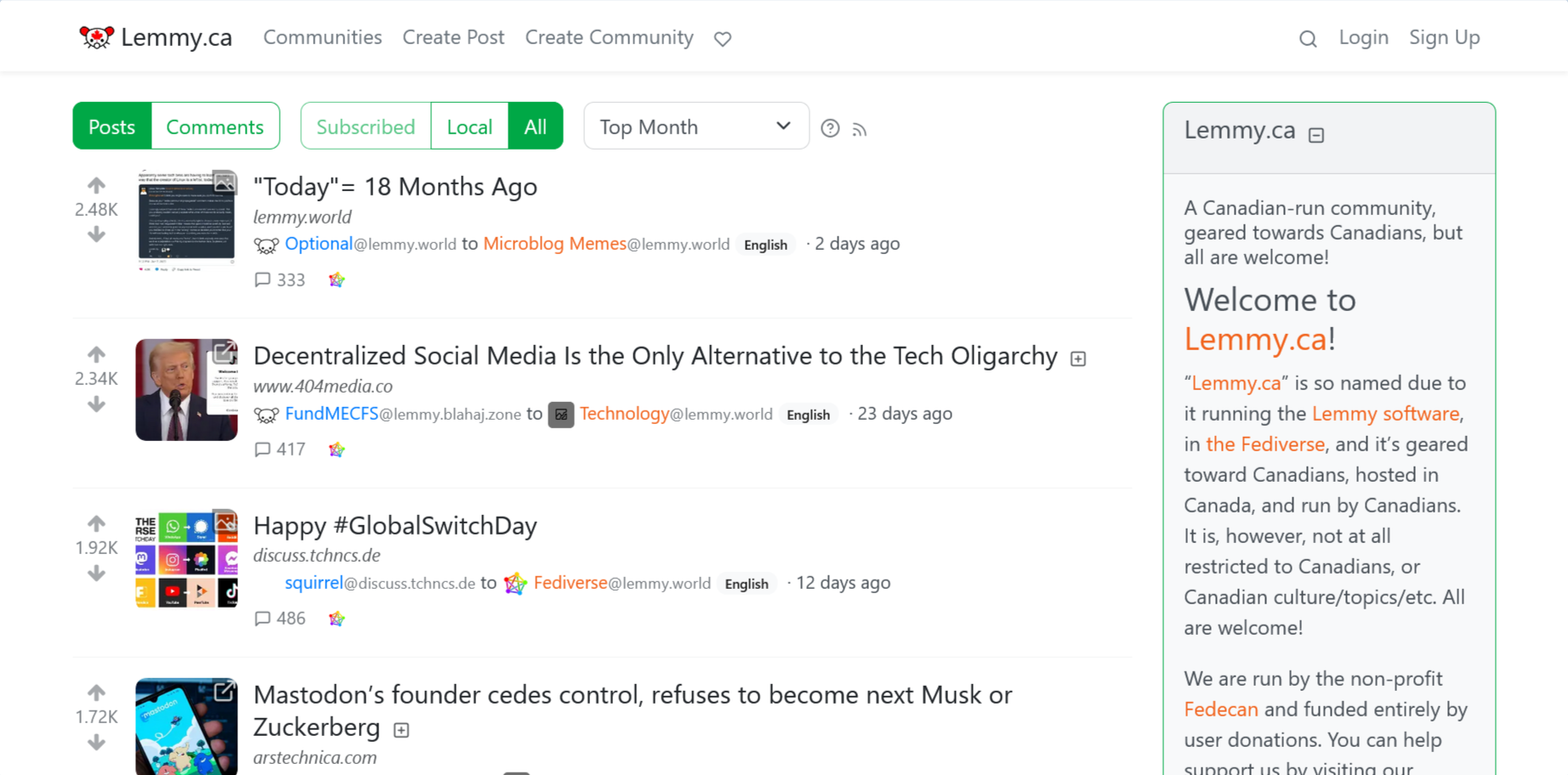
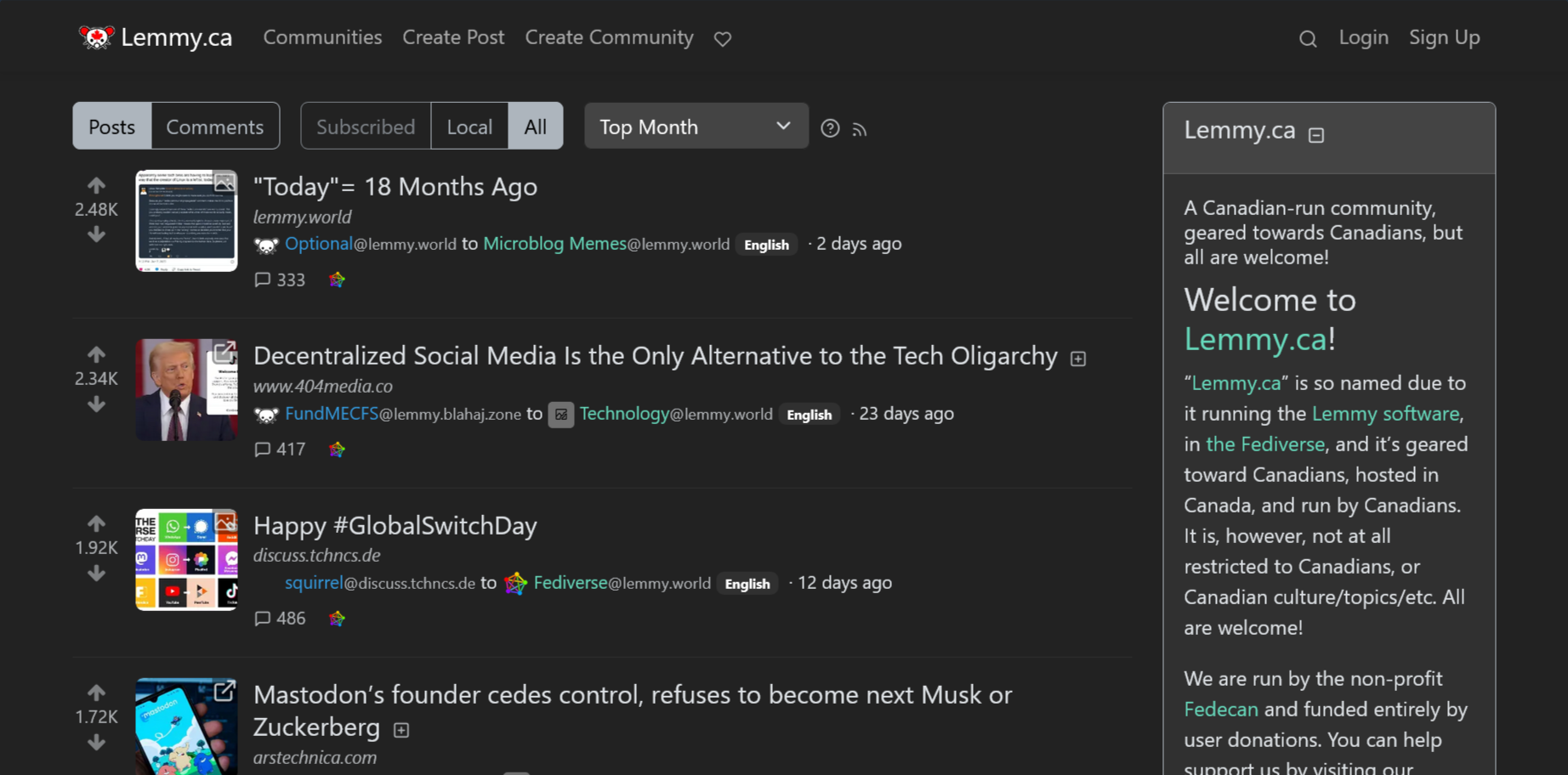
Screenshot of the default theme for Lemmy.


Default UI (Piefed)
This is what you will see by default when you access piefed.ca. Similar to above, it is the official UI built by the main developers of Piefed, and so it is generally the most stable and reliable UI available.
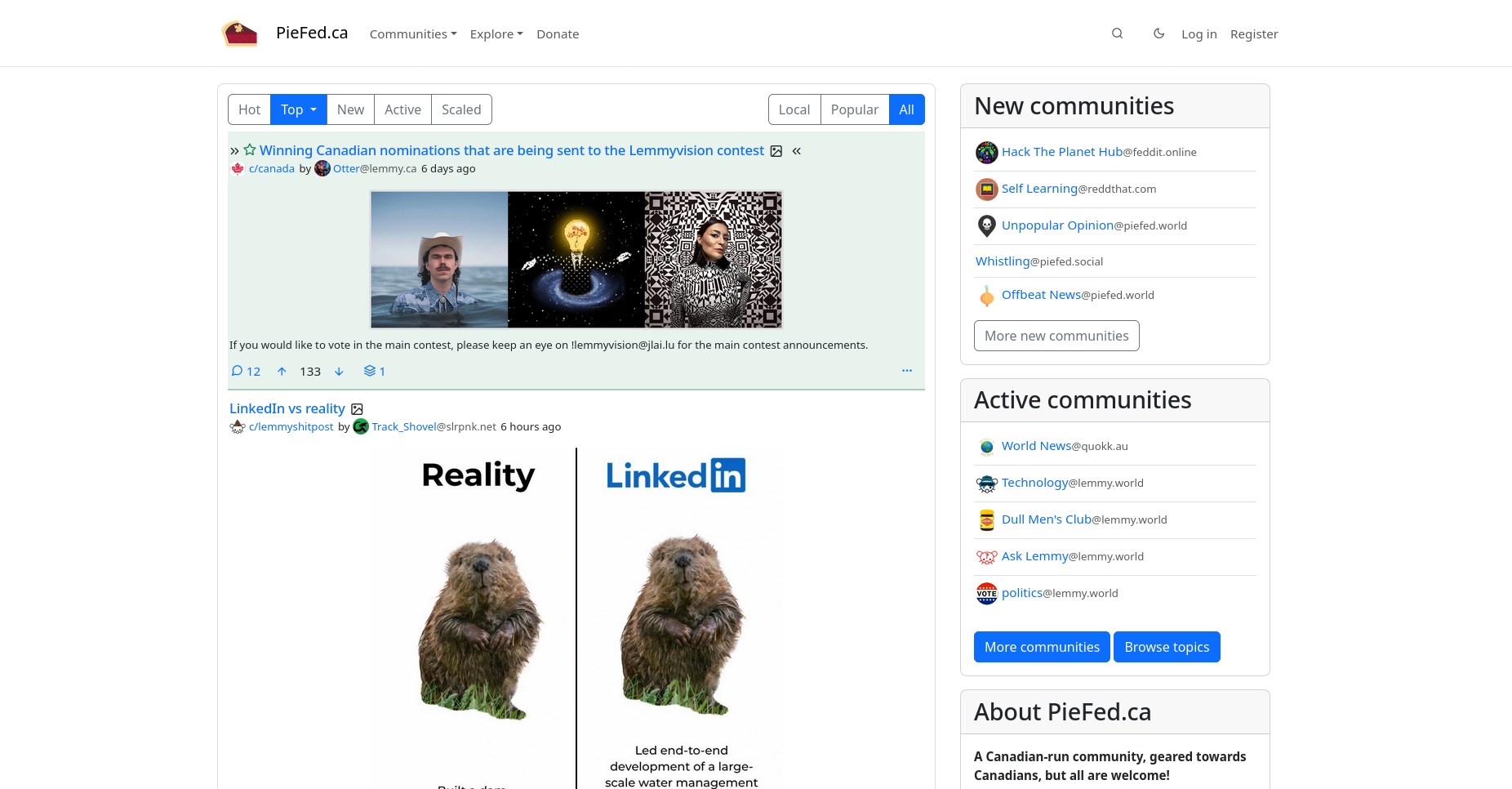
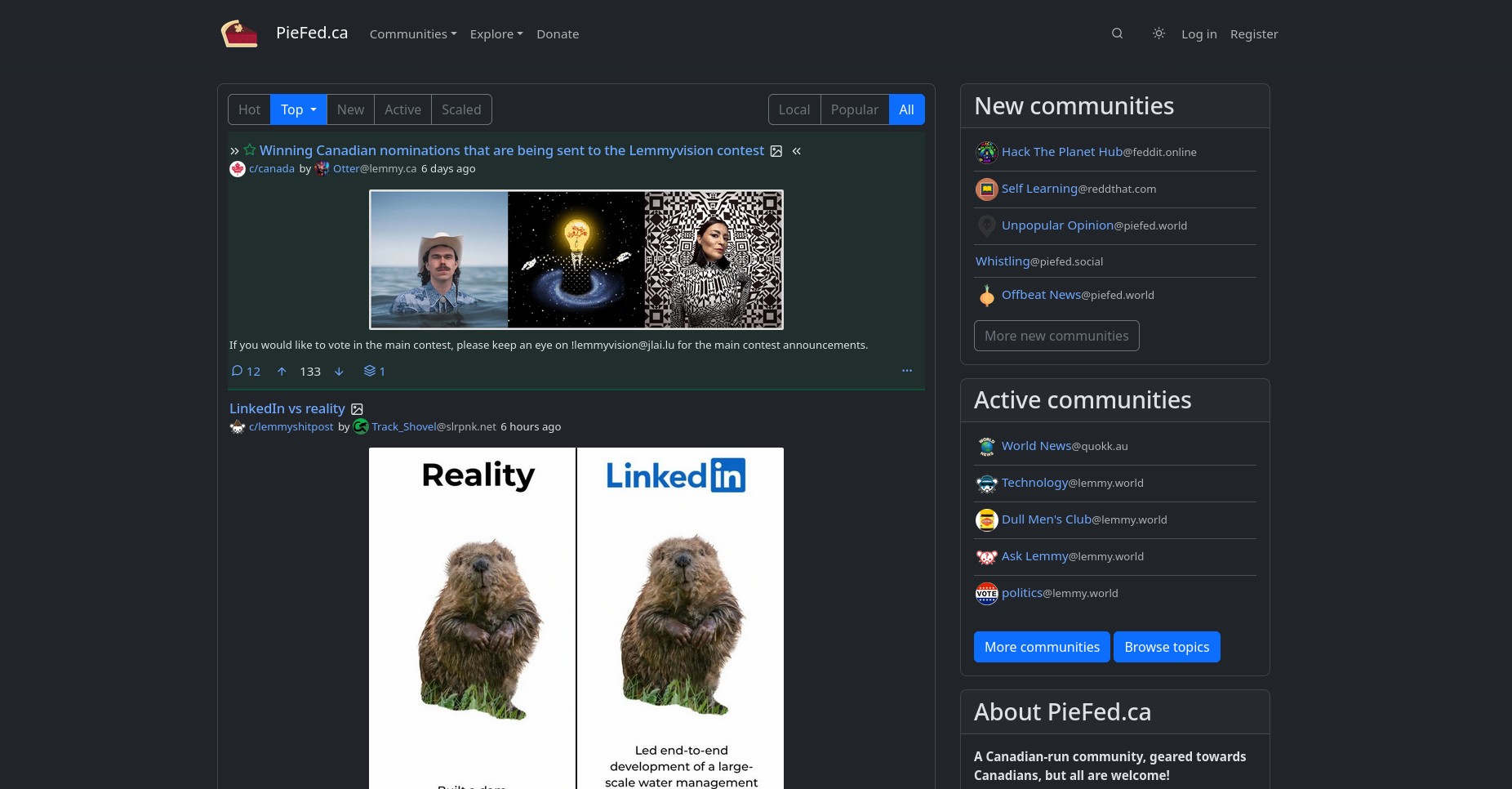
Screenshot of the default theme for Piefed.


Alexandrite
Alexandrite is a highly customizable Lemmy client with a variety of layout options and customizable theme hues.
Alexandrite supports Lemmy only. You can try it out on our instance at alex.lemmy.ca.
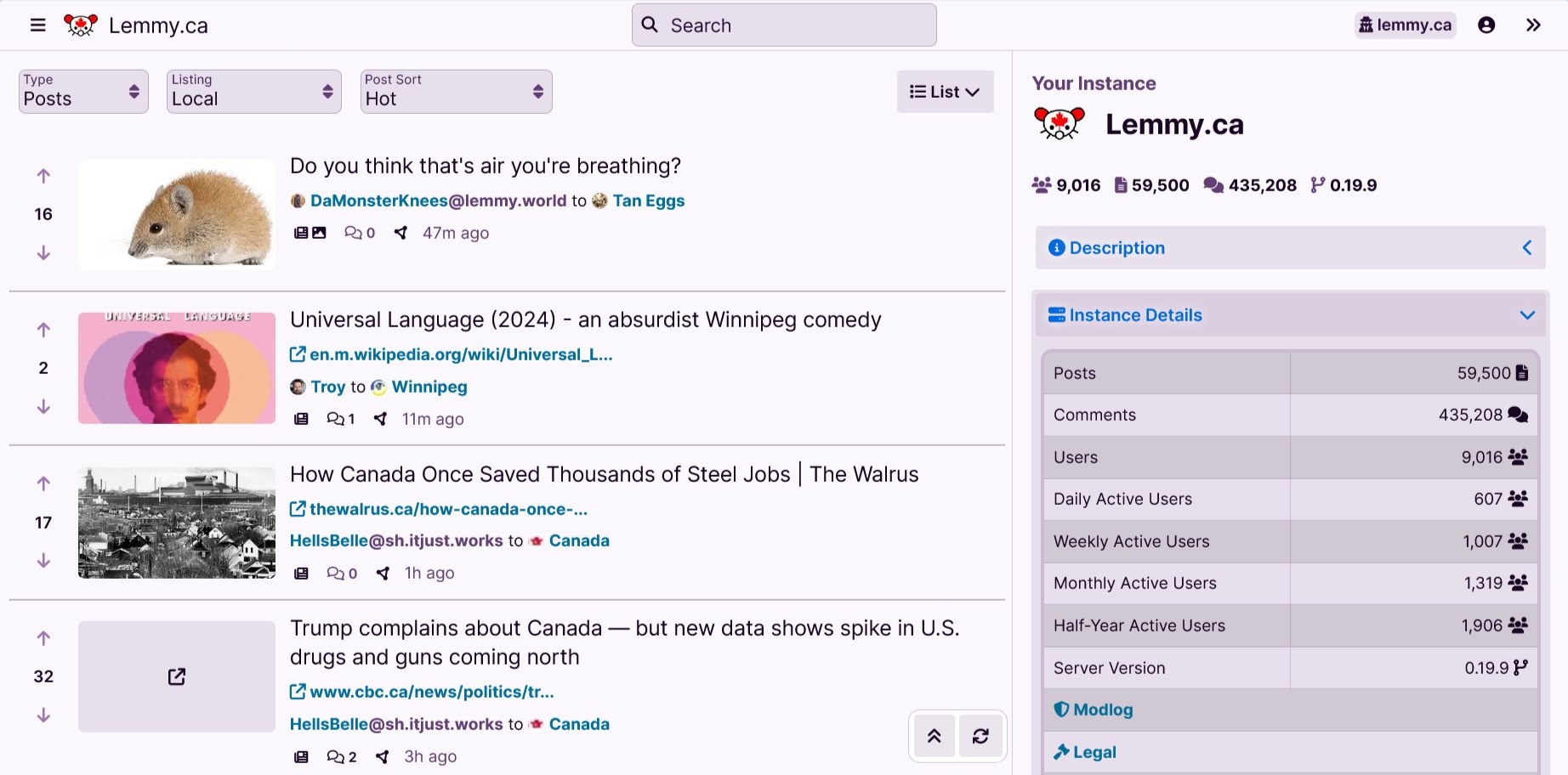
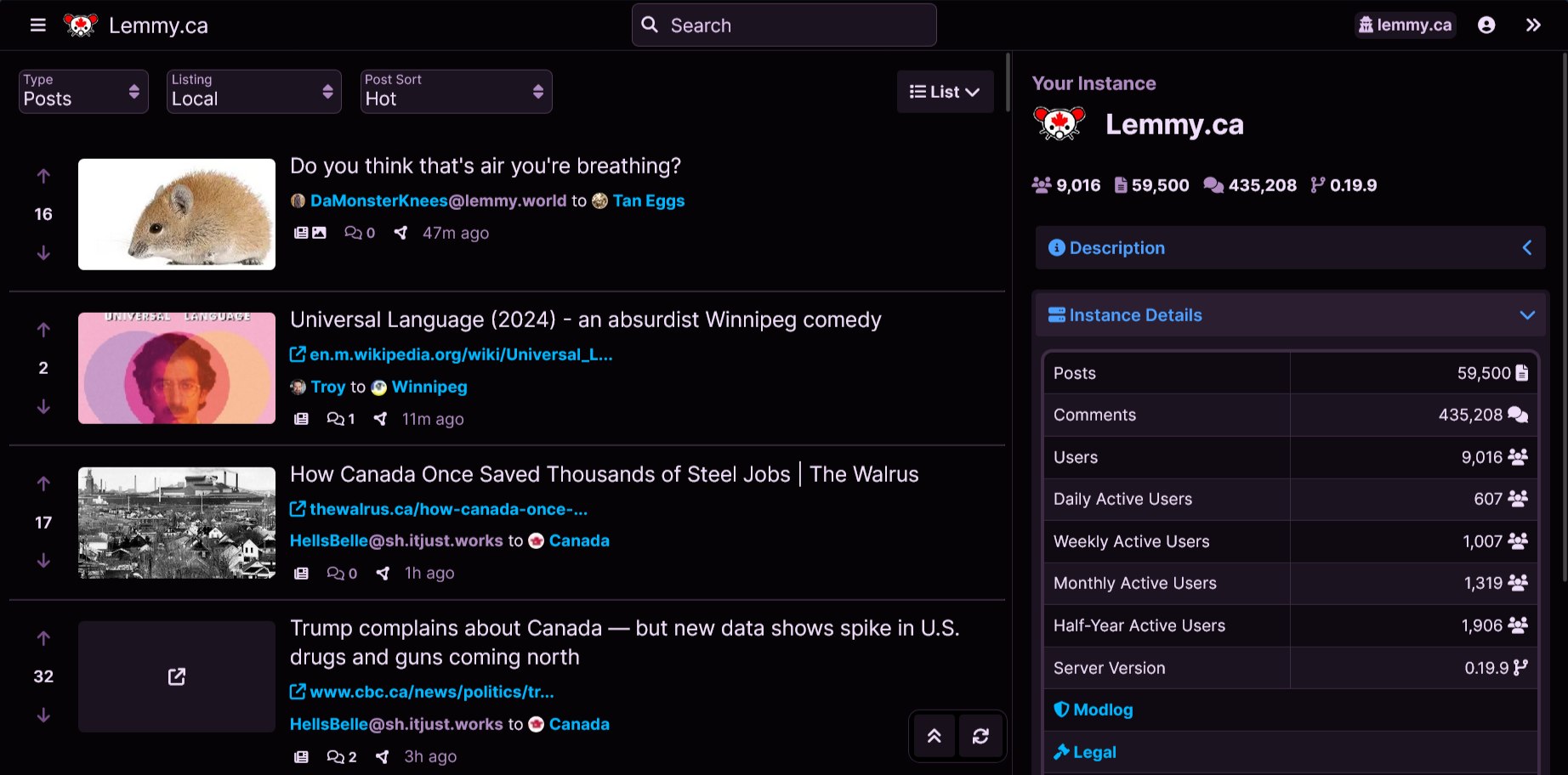
Screenshot of the Alexandrite alternative UI.


Blorp
While Blorp is newer than some of the other alternative UIs on this page, it has seen rapid development and packs many features. You can download app versions on iOS, Android, and macOS.
Blorp was built to support BOTH Lemmy and Piefed instances. You can try it out on our instances at blorp.lemmy.ca or blorp.piefed.ca.
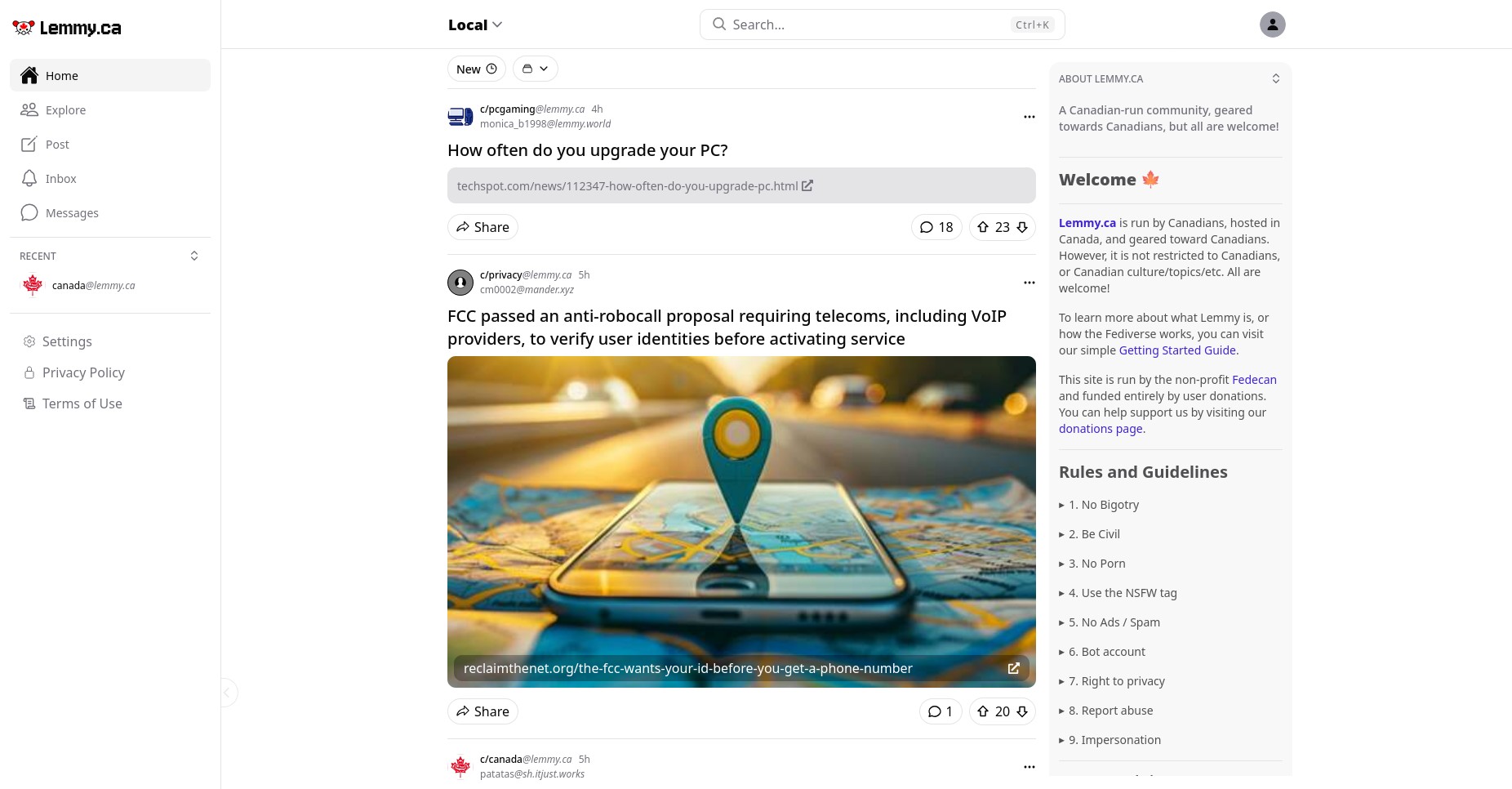
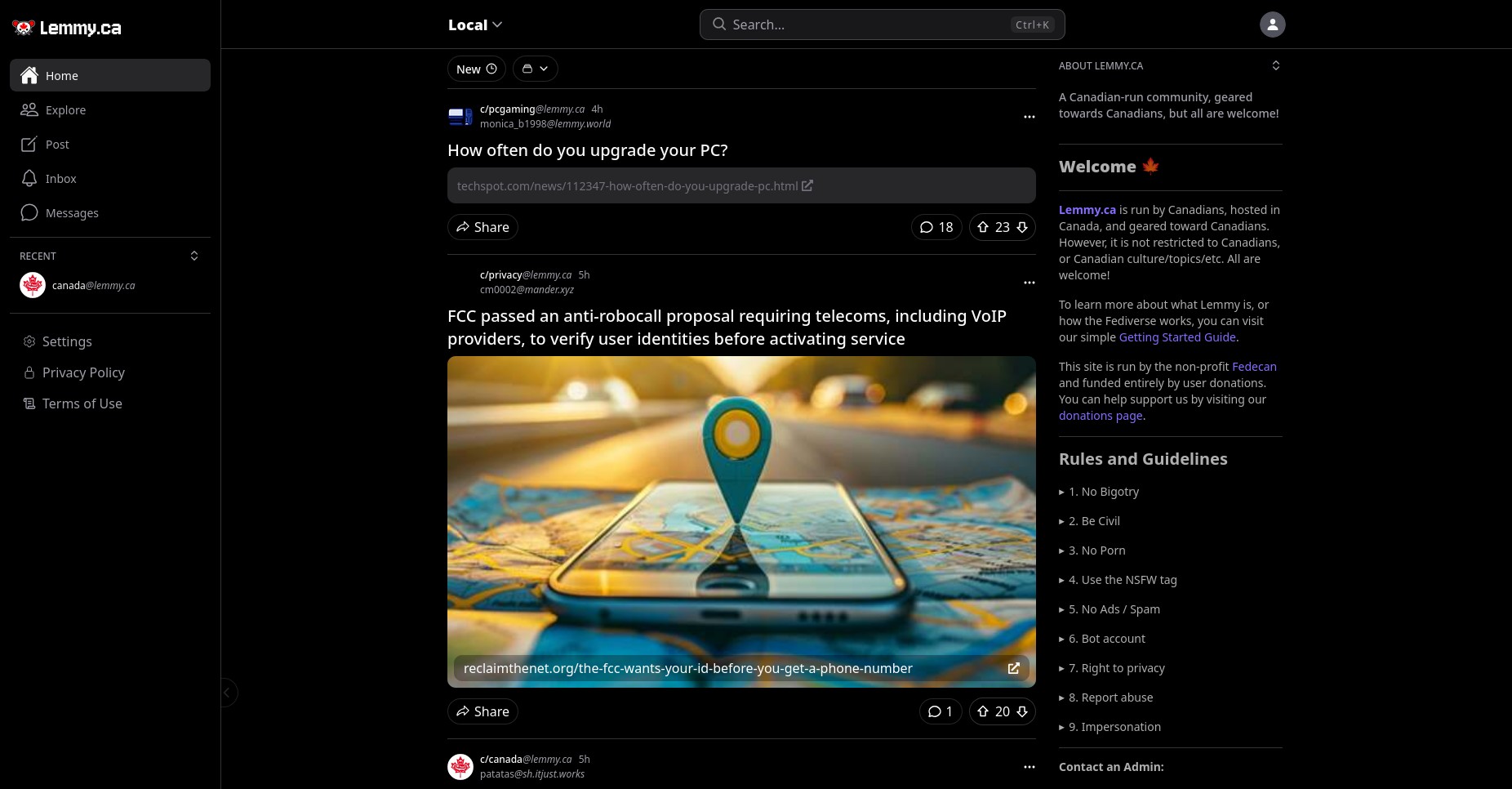
Screenshot of the Blorp alternative UI.


Mlmym
Mlmym is a retro UI for Lemmy, which was designed to be reminiscent of old Reddit. It is best used on a desktop, and is not recommended for mobile users.
Mlmym supports Lemmy only. You can try it out on our instance at old.lemmy.ca.
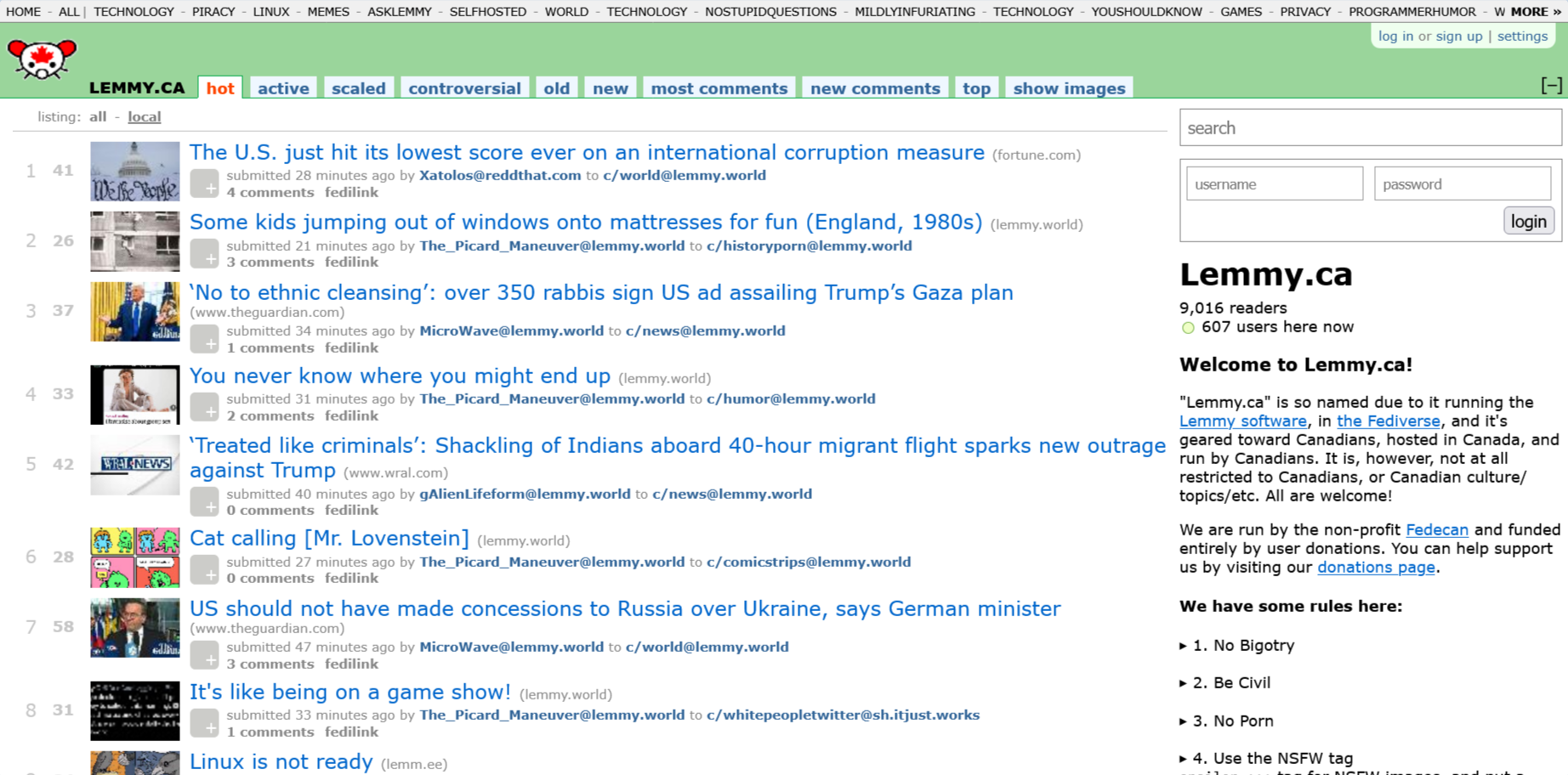

Screenshot of the Mlmym alternative UI.
Note for anyone that is looking for the code:
The original Mlmym project became unmaintained a while back. Since then, other people have forked the project to add new features and fixes. You can find the well known forks below, along with the last commit dates.








Photon
Photon by Xyphyn is a modern alternative UI for Lemmy. It supports multi-account switching, infinite scroll, and it is faster and more lightweight than the default UI.
Photon supports BOTH Lemmy and Piefed instances. You can try it out on our instances at photon.lemmy.ca or photon.piefed.ca.
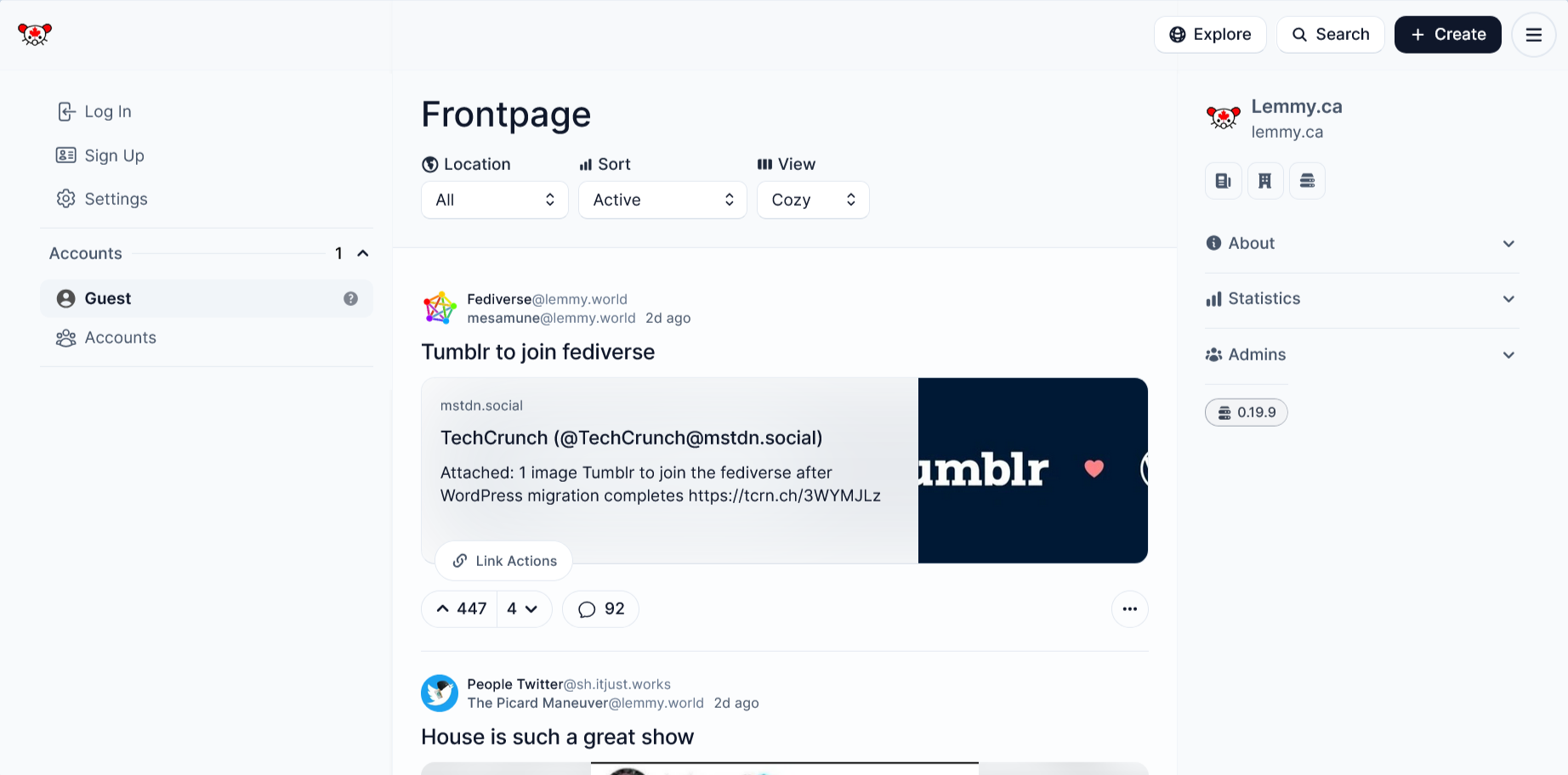
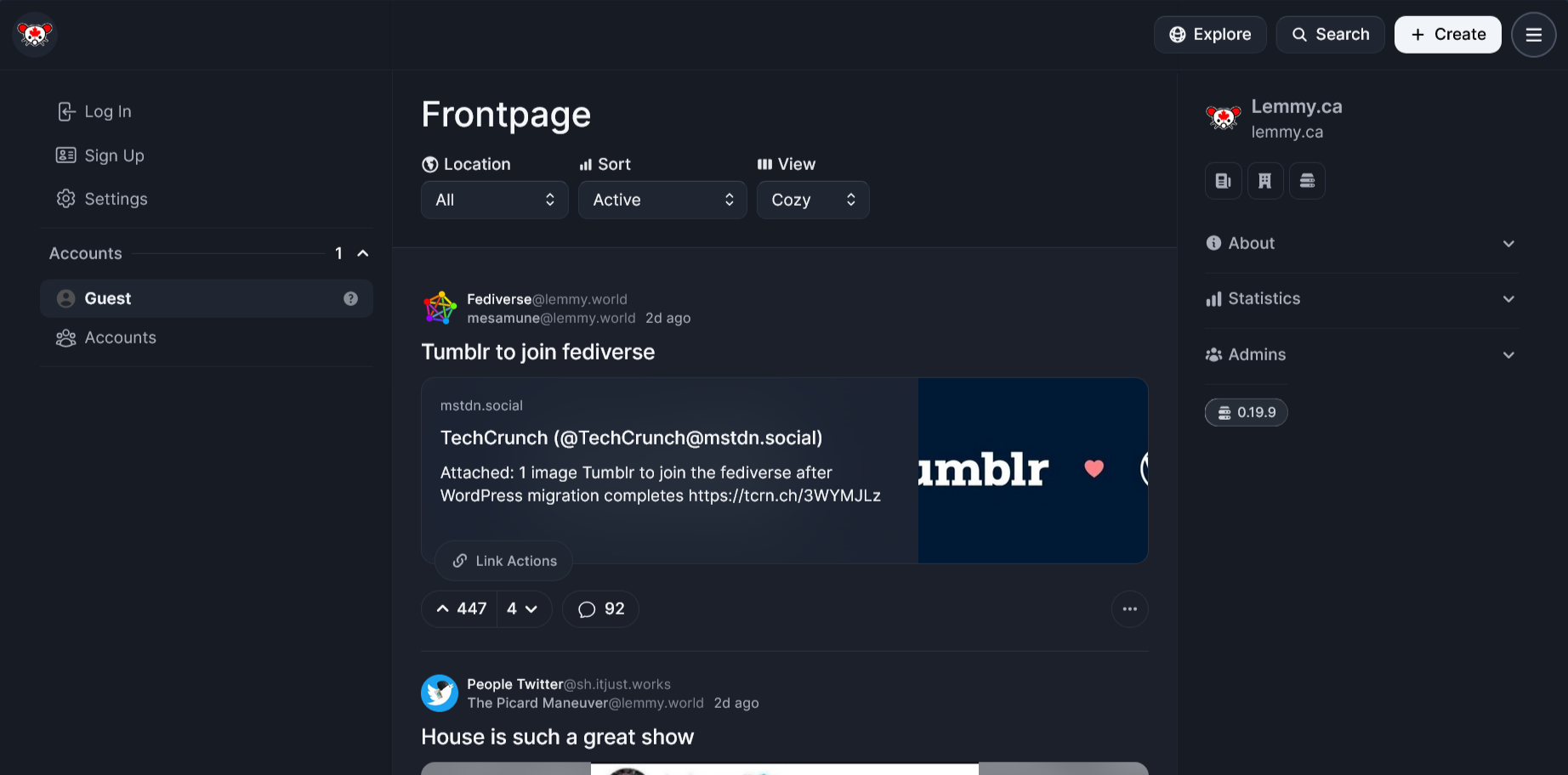
Screenshot of the Photon alternative UI.


Tesseract
Tesseract was a client for Lemmy and Sublinks. The project was shut down by the maintainers, and it has been removed from this page as a result.
Voyager
Voyager is a mobile-first web client. It boasts gestures, iOS and Android based themes, and lots of customizations. You can also download an app version on both iOS and Android.
Voyager supports BOTH Lemmy and Piefed instances. You can try it out on our instances at voyager.lemmy.ca or voyager.piefed.ca.
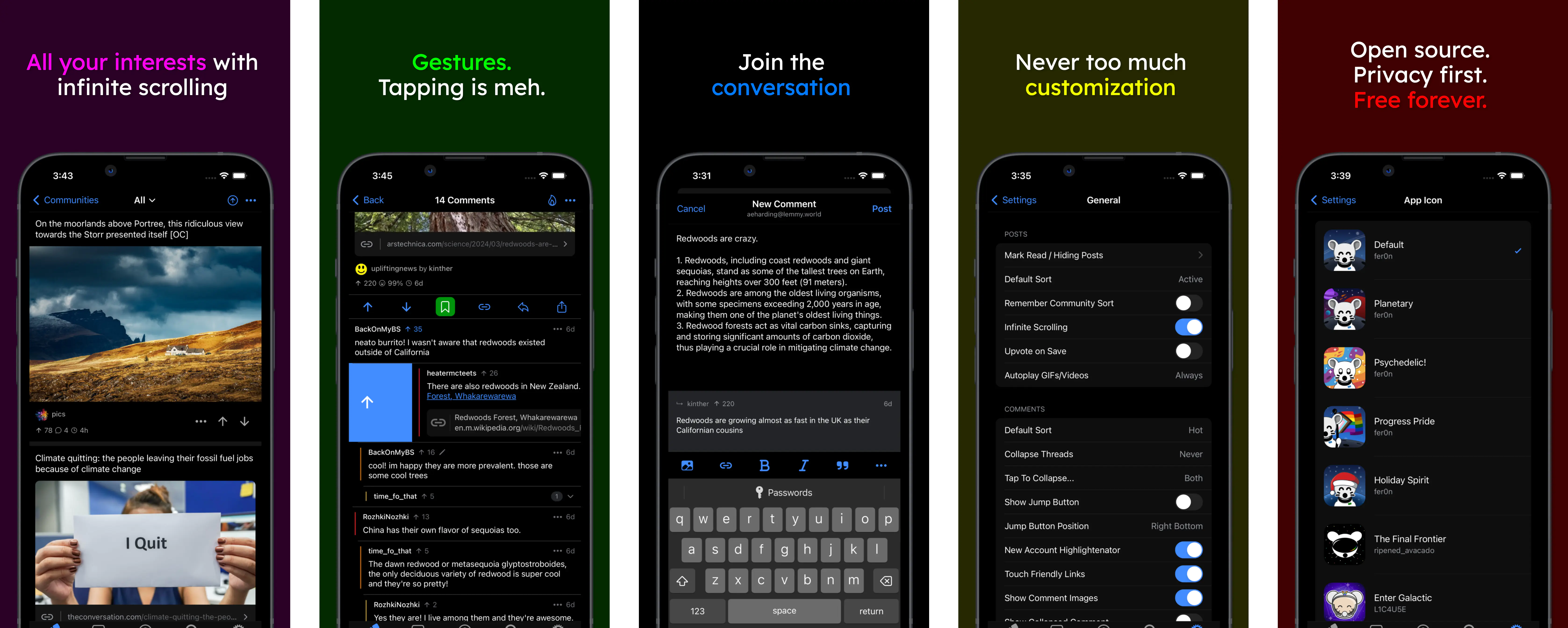
Promo for the Voyager client (source: github.com/aeharding/voyager)

