Finding Communities
There are two incredible benefits to the Fediverse:
- You are not limited to the communities on one website or app. If a new community pops up on another Fediverse instance, chances are that you can easily join it!
- Platforms are not trying to maximize engagement and keep you scrolling constantly.
This means that you can have a more active and conscious role in finding the communities you want to join. As this might be different from what you are used to, this page will help you get started.
❓ I found a community on a different instance, how do I join it?
If you are on a Lemmy instance, then simply paste the url of the community into the search bar.
On a PieFed instance, click the "Communities" dropdown and then select "Add Remote Community".
For more information or other methods, please see the guide section on how to open something in your instance.
1) Join communities that are about finding new communities
Subscribing to one of these will help you find out about more communities over time. This is one of the easiest ways to learn about new communities passively.
- !newcommunities@lemmy.world: See posts about new communities as they are created or rebooted.
- !communitypromo@lemmy.ca: Users will promote their communities and ask for recommendations.
- !trendingcommunities@feddit.nl: This is an automated community that posts regular updates on which communities grew the most in the past week.
Other Helpful Communities
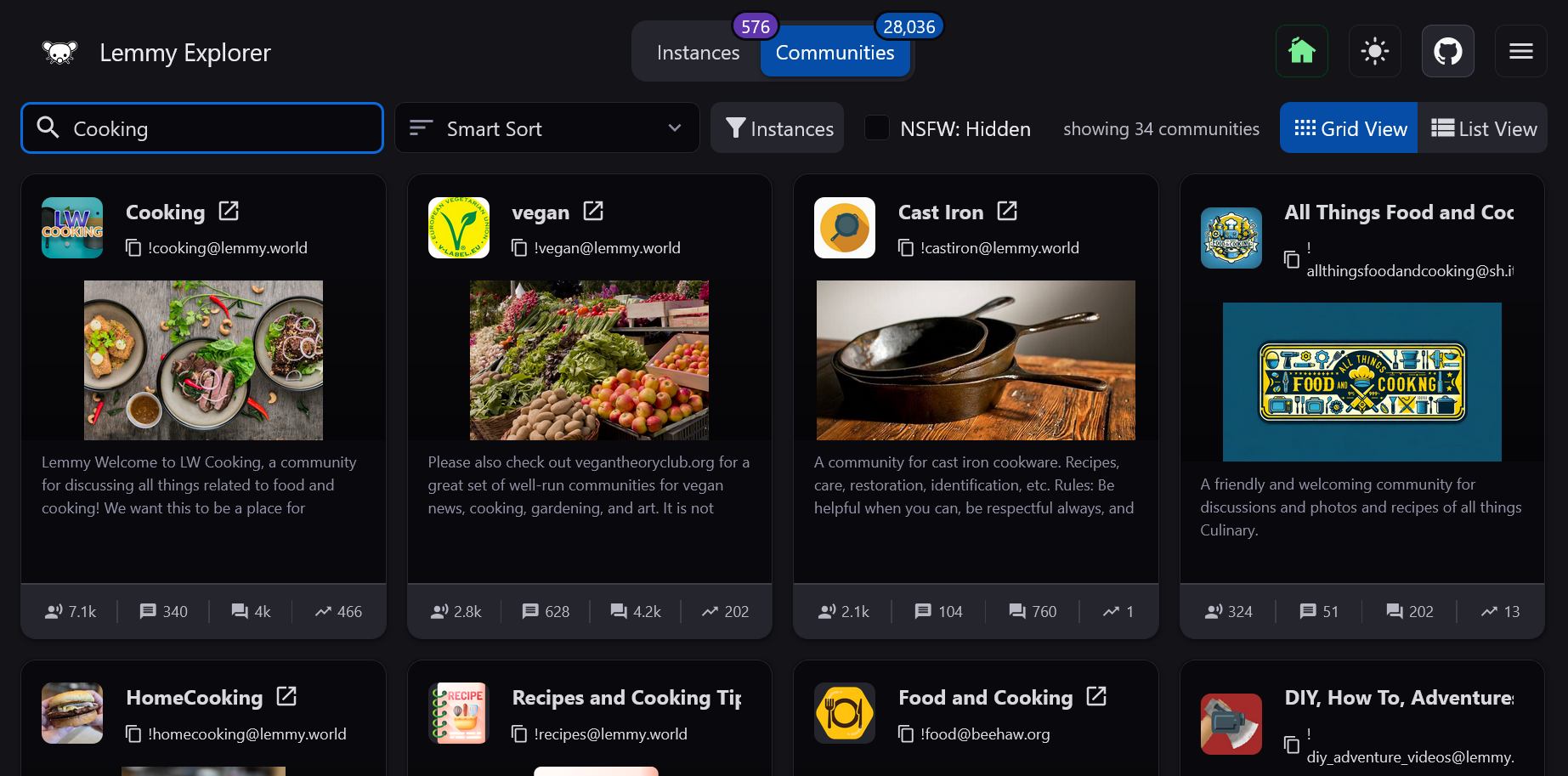
2) Lemmyverse.net Search Engine
If you already know what you are looking for, you can search for it with lemmyverse.net. Make sure to use the dropdown in the upper left to also check for communities that might be on a PieFed or Mbin instance. A community on any of these platforms can be used by users of any of the other platforms.
🏠 Set your Home Instance First
If you are using lemmyverse.net for the first time, you should set your home instance by selecting the home icon in the top right.
This will make it so that all the links will open on the instance that you have an account with, saving you the effort of having to open the links manually.
3) Look Through other Instances
A great way to find lesser known communities is to look at the /communities page on an instance. Different instances may have different themes or focuses, and so you can find related communities that way.
For example, since lemmy.ca is a Canadian instance, you will find a lot of Canadian communities at lemmy.ca/communities.